> ## Documentation Index
> Fetch the complete documentation index at: https://docs.tempo.new/llms.txt
> Use this file to discover all available pages before exploring further.
# Introduction
> Tempo is a desktop workspace for product managers, designers, and engineers to plan, design, and build software in one place.
PRDs, designs, issues, and AI chat sessions all share the same context — your codebase — so nothing gets lost in the handoff between people, tools, or agents.
 ## Get started
Install Tempo, sign in, and connect Claude or Codex — about ten minutes.
## Features
Tempo is organized around four surfaces. Each one lives in the left sidebar and works with the same workspace, the same codebase, and the same agents.
Long-form PRDs, specs, and project notes. Link a doc to a chat session and the agent reads it as context every turn.
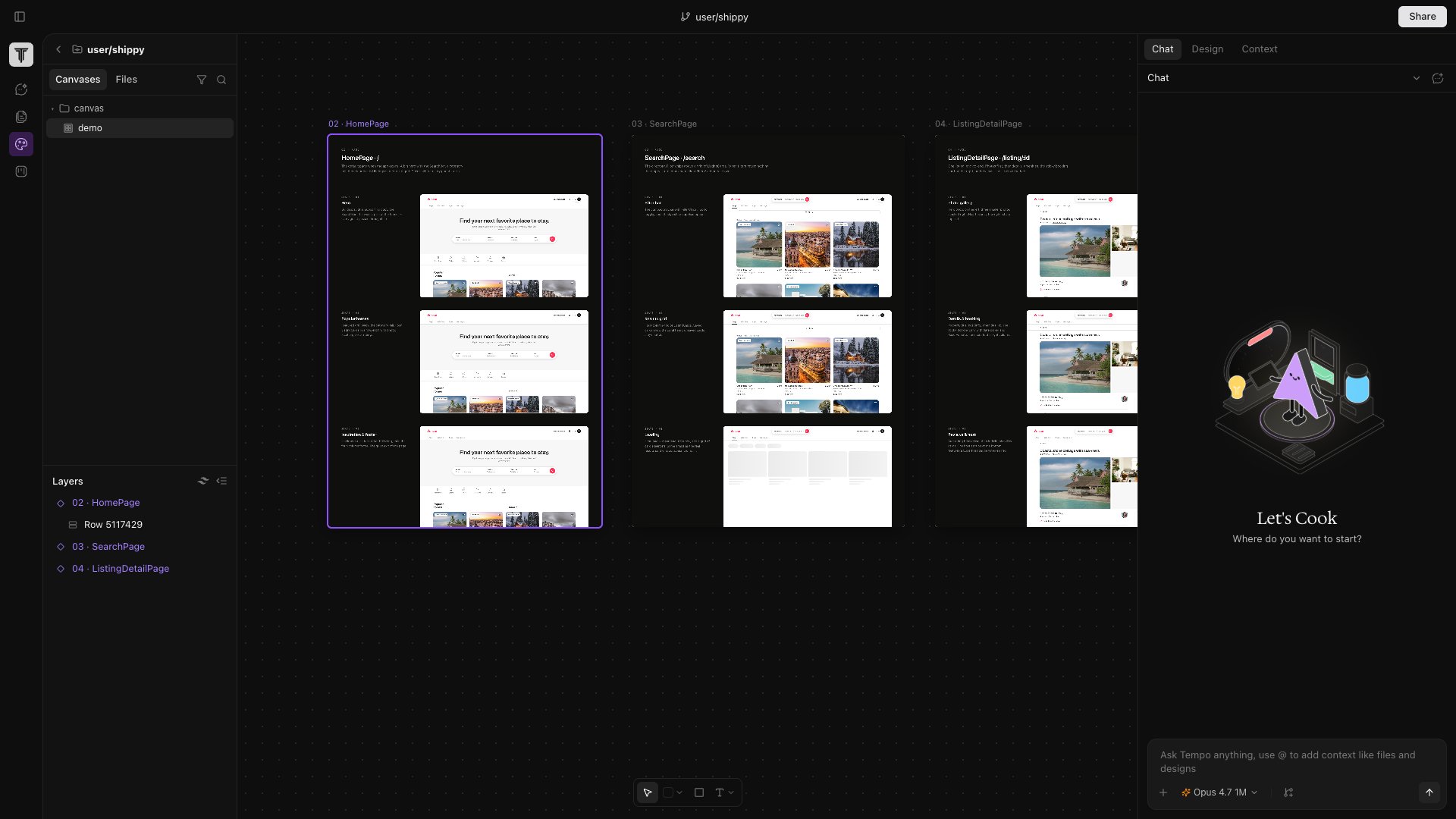
A Figma-style design surface where every frame is a live iframe of a real route or React component. Edits write back to source.
Built-in Kanban. Cards link to branches, PRs, canvases, and docs — agents can pick one up and open a PR.
Claude or Codex running inside an isolated git worktree per session, so destructive changes never touch your main tree.
## Get started
Install Tempo, sign in, and connect Claude or Codex — about ten minutes.
## Features
Tempo is organized around four surfaces. Each one lives in the left sidebar and works with the same workspace, the same codebase, and the same agents.
Long-form PRDs, specs, and project notes. Link a doc to a chat session and the agent reads it as context every turn.
A Figma-style design surface where every frame is a live iframe of a real route or React component. Edits write back to source.
Built-in Kanban. Cards link to branches, PRs, canvases, and docs — agents can pick one up and open a PR.
Claude or Codex running inside an isolated git worktree per session, so destructive changes never touch your main tree.