

Get started
Quick Start
Install Tempo, sign in, and connect Claude or Codex — about ten minutes.
Features
Tempo is organized around five surfaces. Each one lives in the left sidebar and works with the same workspace, the same codebase, and the same agents.Docs
Long-form PRDs, specs, and project notes. Link a doc to a chat session and the agent reads it as context every turn.
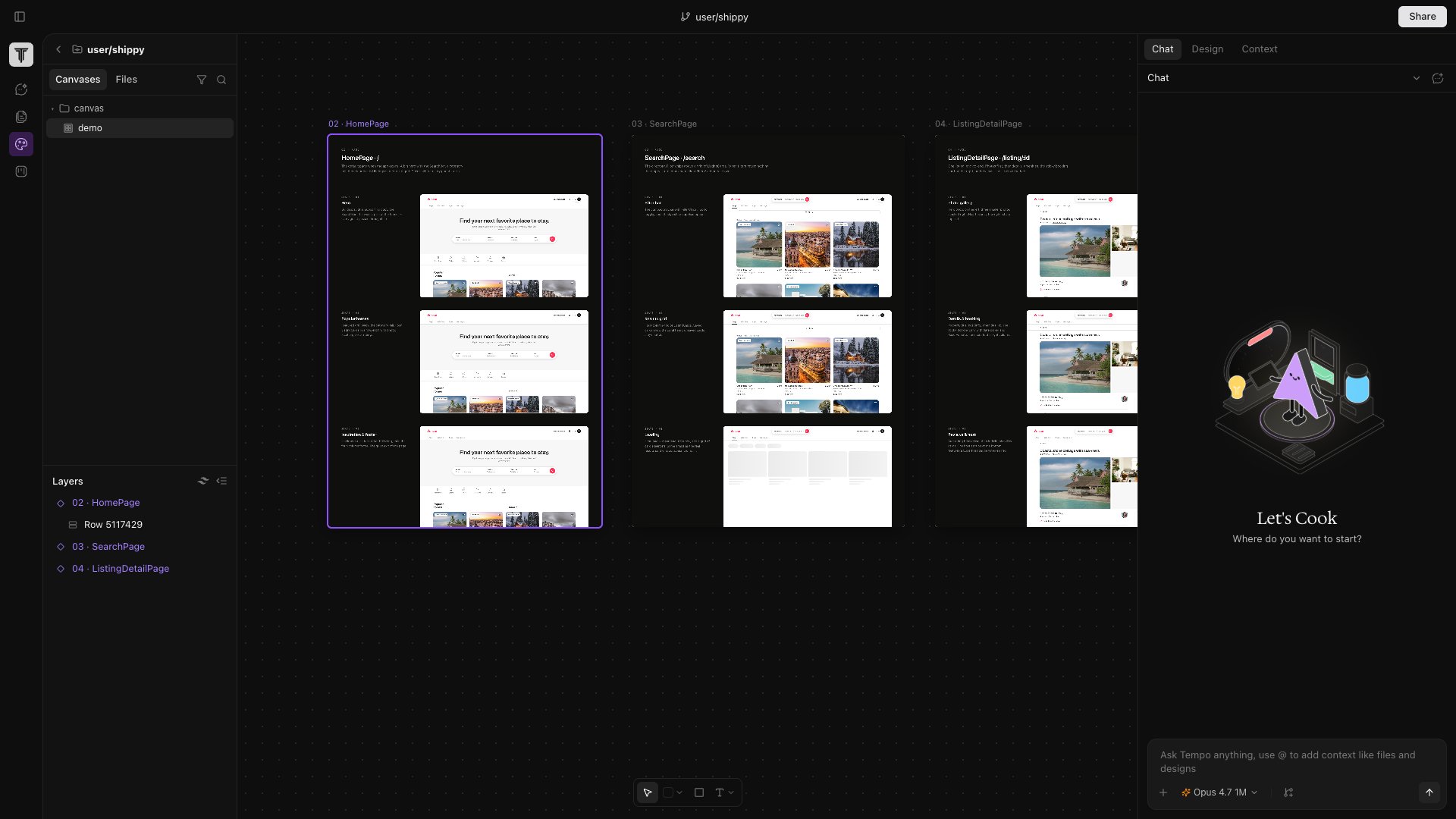
Canvas
A Figma-style design surface where every frame is a live iframe of a real route or React component. Edits write back to source.
Issues
Built-in Kanban. Cards link to branches, PRs, canvases, and docs — agents can pick one up and open a PR.
Chat
Claude or Codex running inside an isolated git worktree per session, so destructive changes never touch your main tree.
Agents
Prompt-driven background workers triggered by Slack, GitHub, schedules, or issues. Each run is a Tempo session you can inspect and steer.