

The Chat tab is where you collaborate with AI agents — Claude (Anthropic) or Codex (OpenAI) — inside Tempo. Every session runs in its own git worktree, an isolated copy of your repo on a throwaway branch, so the agent can make destructive changes without ever touching your main working tree. Open the chat panel from the Chat icon in the left sidebar, or use Cmd/Ctrl+L from anywhere.
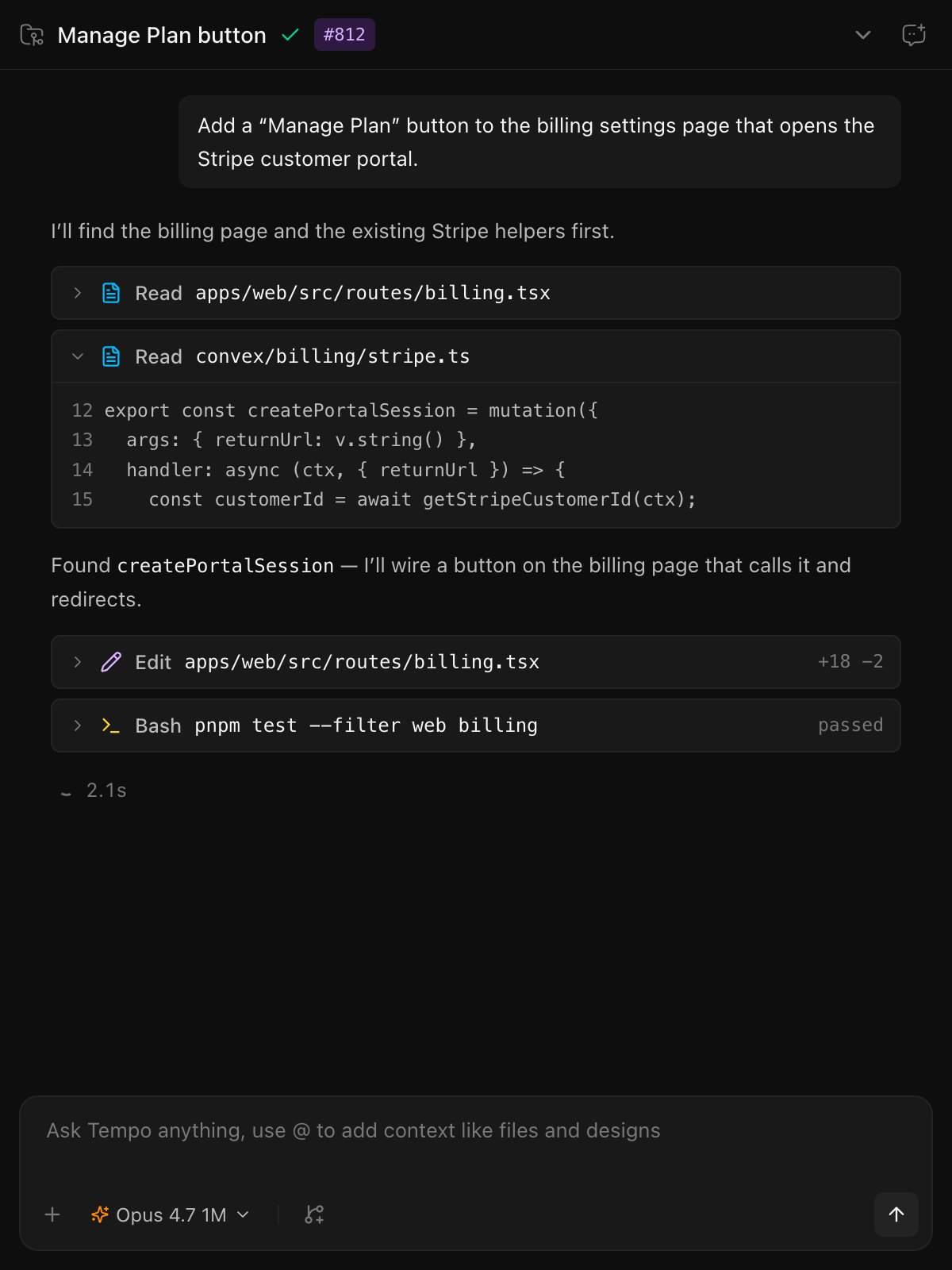
The Chat panel

Worktrees: isolation by default

When you start a new chat, Tempo creates a fresh worktree on a throwaway branch. The agent works in that copy. Your main branch stays untouched until you explicitly merge.
  • Happy with the work? Use the share/merge controls at the top of the chat to bring the changes back into your main branch (or open a PR).
  • Not happy? Discard the worktree and nothing is lost. Your main branch never saw the changes.
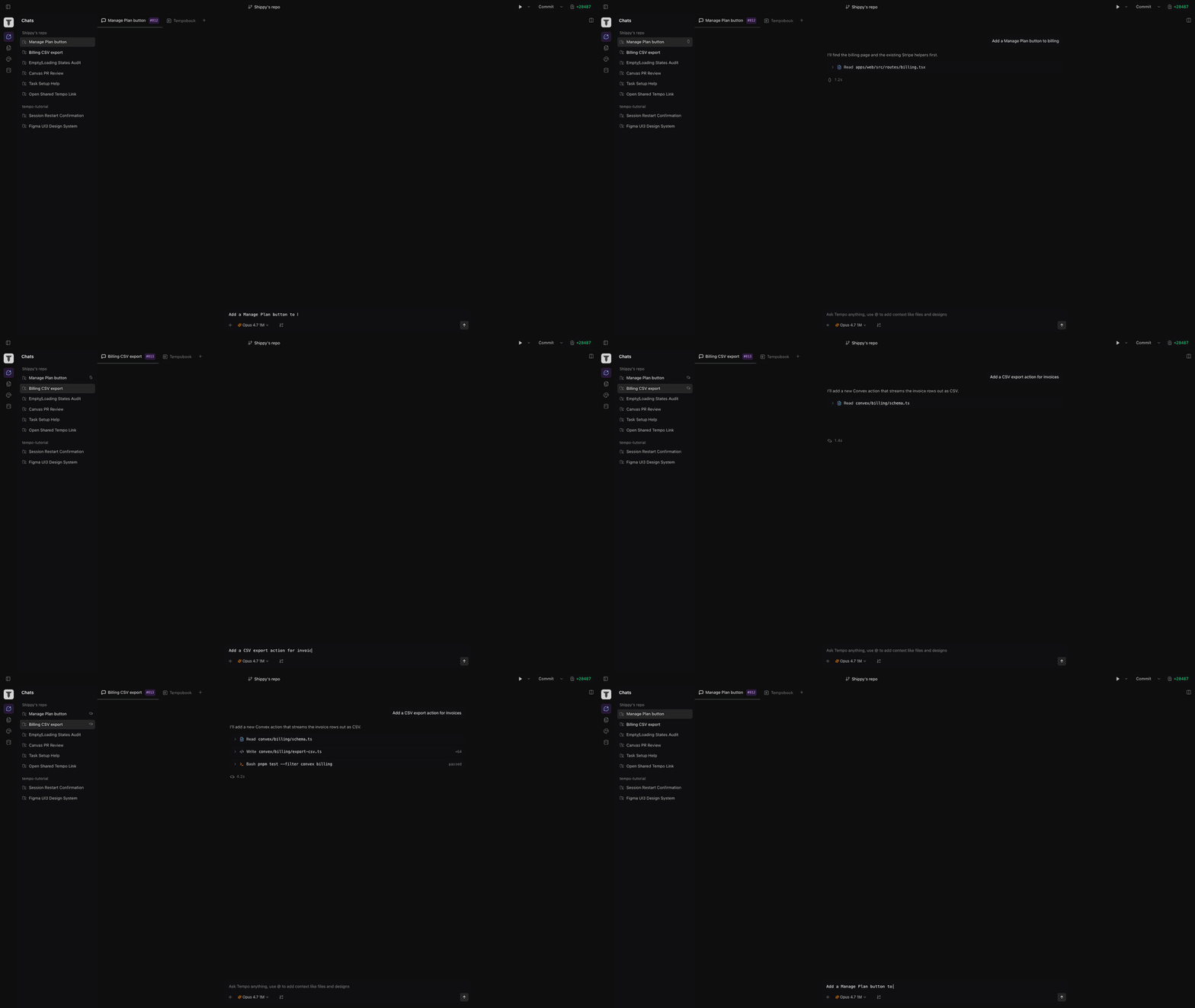
This means you can run multiple agents in parallel on the same repo — one per worktree — without conflicts.
Two agents working in parallel worktrees

Models

Pick a model from the dropdown at the bottom of the chat:
  • Claude (Opus, Sonnet, Haiku) — sign in via claude /login in the terminal.
  • Codex (GPT-5.4 Codex, GPT-5.4-mini) — sign in via codex login.
See the Quick Start for sign-in details.

Context the agent sees

Every turn, the agent automatically has access to:
  • The current worktree (full file tree, git history).
  • Any docs you’ve linked to the session.
  • Any canvases you’ve linked to the session.
  • Any issues you’ve linked to the session.
This is the unified context layer — instead of pasting requirements into the prompt, you link the PRD and the agent reads it.

Plan mode

Before letting the agent execute, you can ask it to produce a plan: a structured proposal of what it intends to change. Review and edit before approving. The agent only writes files once you accept the plan.