

- Organization — who can see what.
- Project — a repository registered to an org.
- Workspace — the project’s folder on your machine.
- Worktree — an isolated branch where an AI chat runs.
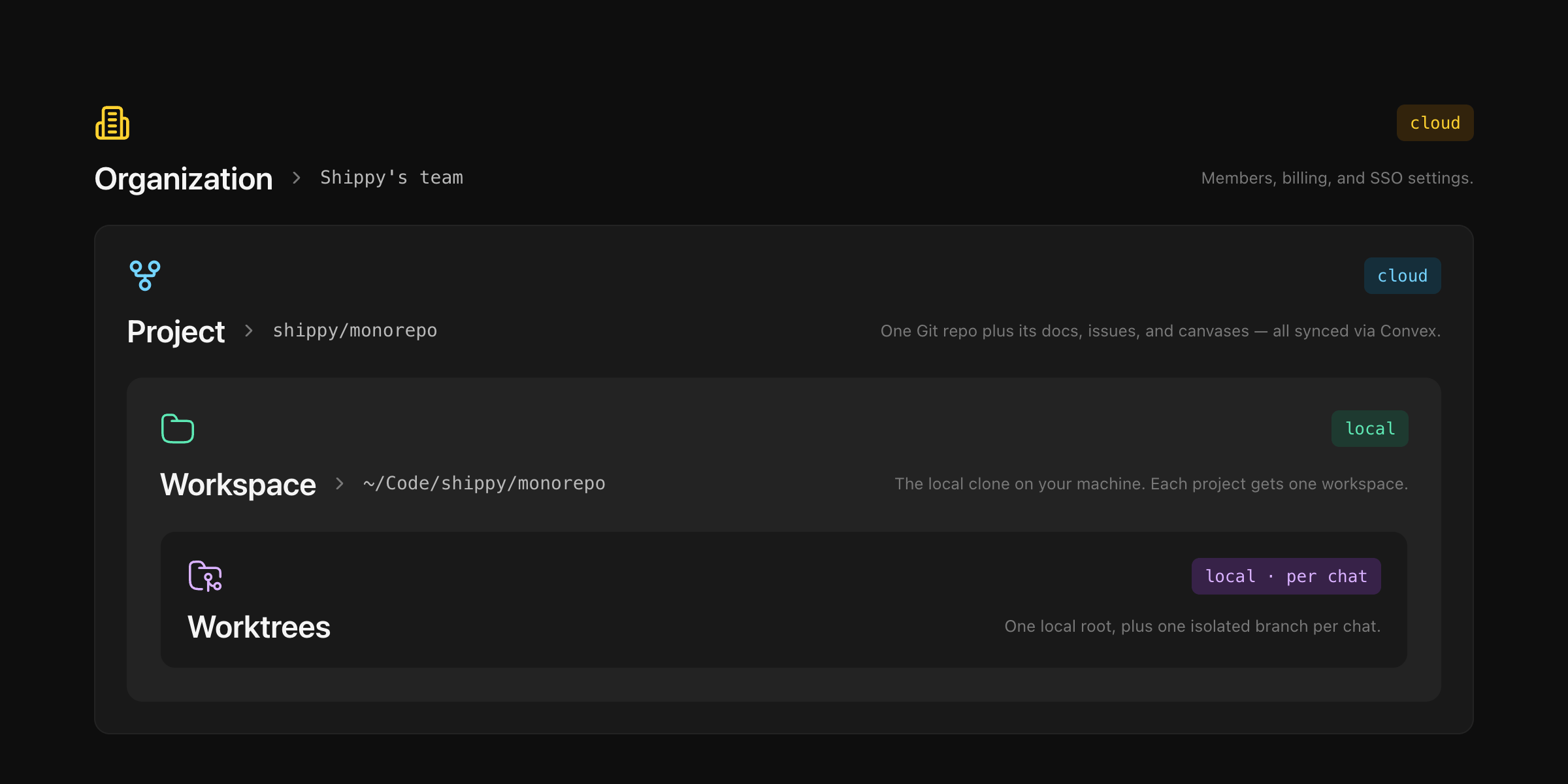
Organizations
The top-level container. Holds teams, projects, and all cloud data (docs, issues, canvases, chat history). Switching orgs changes what you see but moves nothing.
Roles — Admin (rename, set logo, invite + remove members, delete the org) or Member (see and edit everything, can invite others, can’t remove members).
Invite teammates — Settings → Members → enter emails. Invitees get a link and appear as active once they sign in.
Projects
A repository registered to an organization. One project = one repo. Docs, issues, and canvases attach to the project and travel with it. In a team org, projects must be a remote URL (GitHub, GitLab) and can’t be registered twice. Private orgs also allow local-only projects (folders with no remote).Workspaces
A project’s folder on your machine. It holds:- One local root — your persistent checkout. Switch branches, run your dev server, push commits.
- Zero or more worktrees — short-lived sibling checkouts spawned by AI chat sessions.
Worktrees
Every AI chat runs in its own git worktree on a throwaway branch —{your-git-username}/{workspace-slug} — created lazily on the agent’s first edit. The main branch stays untouched.
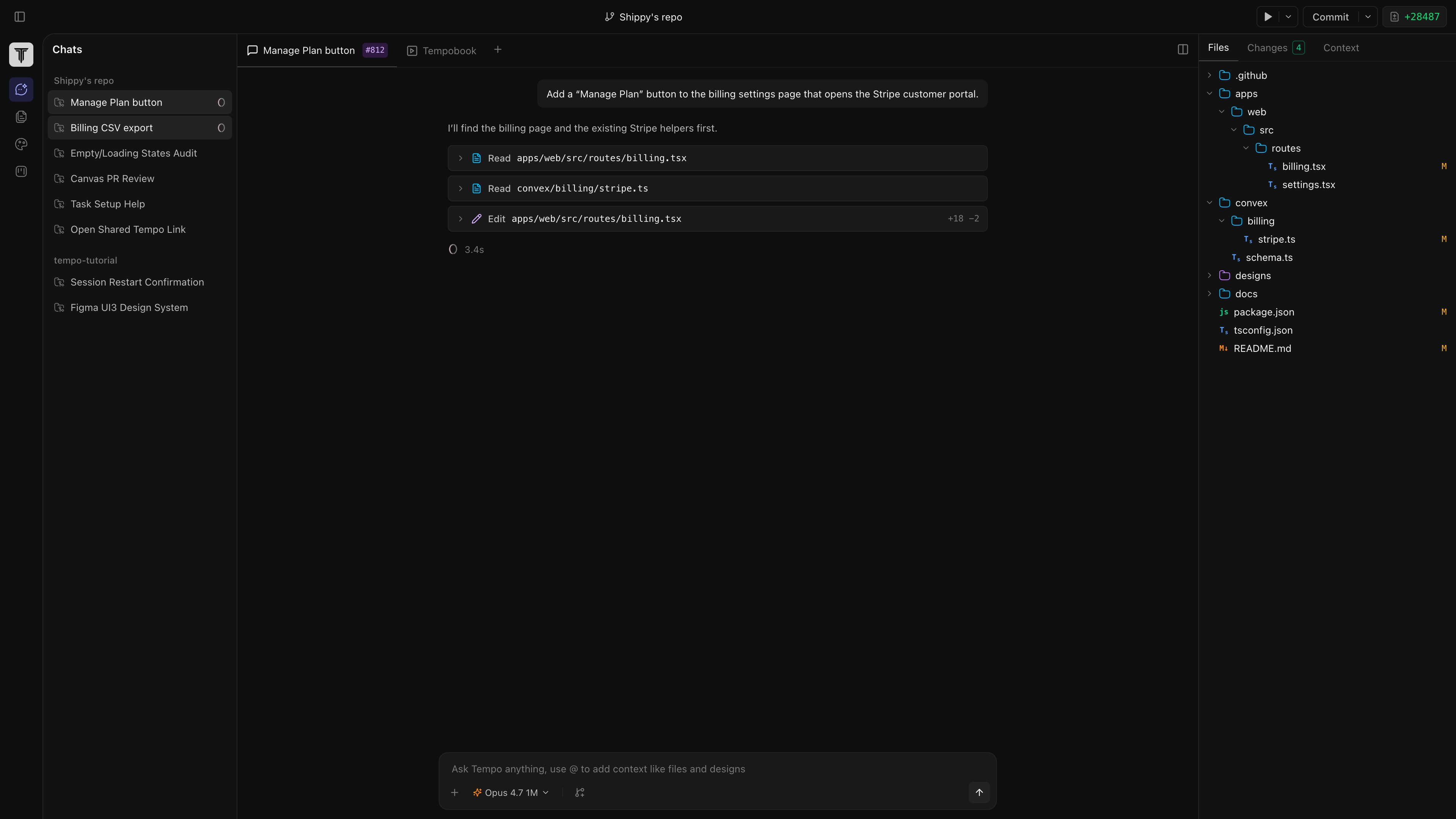
git push), then open a PR on your git host.
Discard — end the chat or click Discard. Tempo runs git worktree remove and deletes the branch. Your local root is untouched.